How to Index Your Website on Google: The 2026 Guide
You published the pages, and nothing shows up when you search for them. Most people who search for how to index my website actually need two things: a fast way to submit pages, and a way to understand why a page still refuses to appear. This guide covers both. You will learn how discovery, crawling and indexing connect, the four submission routes that exist today, the checks a page must pass before Google will index it, and how to diagnose the pages that stall. It is written for site owners, in house SEOs, and small agencies who want the honest version, not the magic button version.
Key takeaways#
- Google reaches every page in three stages: discovery, crawling, and indexing. Submission only affects discovery, so a stalled page almost always has a crawl or quality problem, not a submission problem.
- Search Console URL Inspection with Request Indexing is the fastest manual route for a handful of key pages, but daily quotas make it useless for batches.
- The Google Indexing API is documented for JobPosting and BroadcastEvent pages. For every other page type, sitemaps, internal links, and Search Console remain the documented path.
- IndexNow does not reach Google. It notifies Bing, Yandex, Seznam, Naver, and other participating engines in a single call, which matters more every year as AI assistants lean on the Bing index.
- A page that stays out of the index fails one of a small set of checks: crawl budget, noindex, canonical, soft 404, quality, robots, fetch, or not yet crawled. Fixing the right one beats resubmitting blindly.
- What getting indexed actually means
- The prerequisite checklist before any submission
- Four ways to get indexed on Google
- Why Google crawls but does not index your pages
- How to fix each indexing blocker
- Getting Bing and AI search engines to index your site too
- How long indexing takes and how to monitor it
- FAQ
- Sources
- Further reading
What getting indexed actually means#
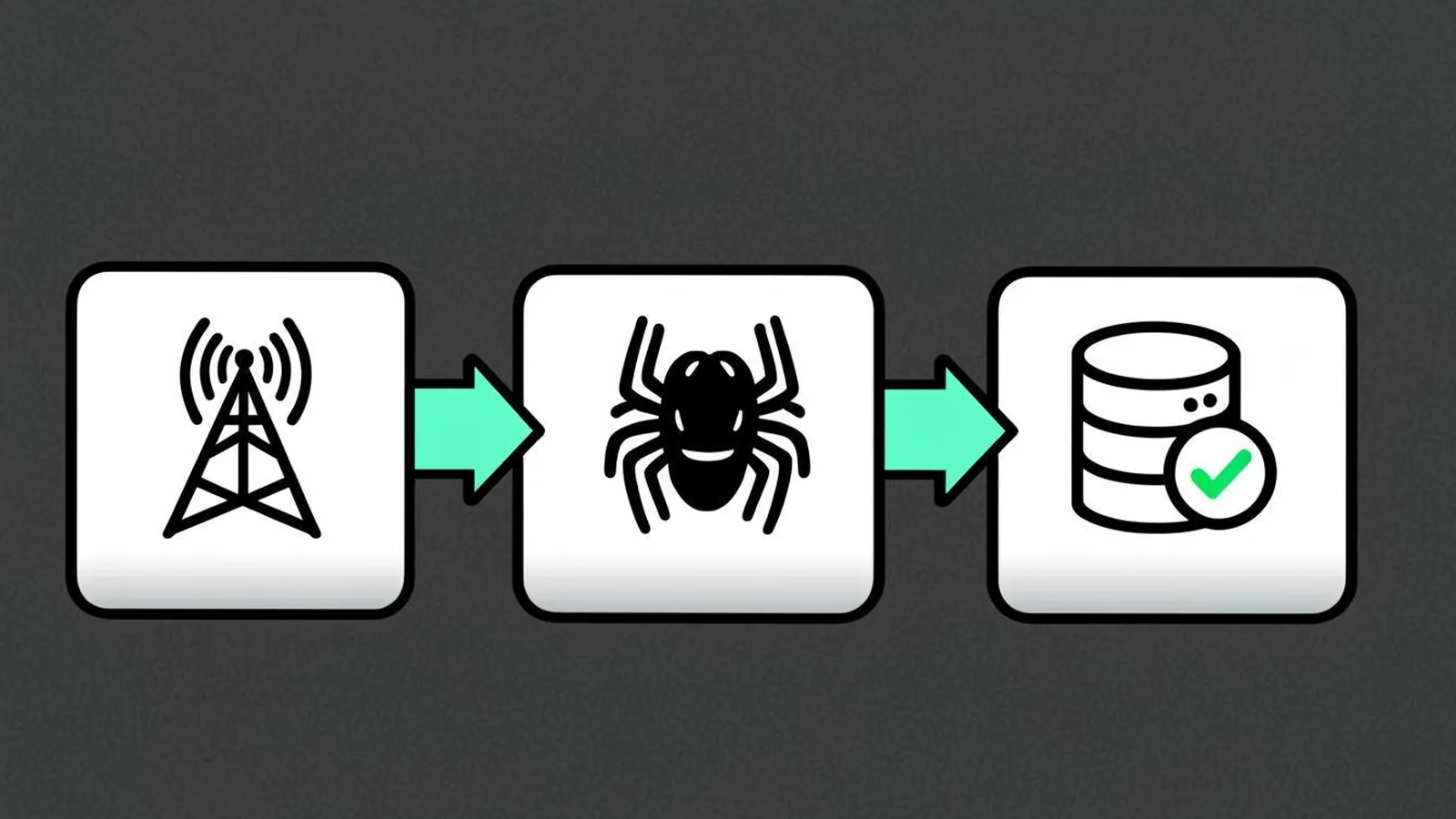
A search engine indexer takes a URL through three stages, and each stage can pass while the next one stalls. Discovery means Google learns the URL exists, through an internal link, a sitemap, a redirect, a submitted request, or a URL seen previously. Crawling means Googlebot actually fetches the page, downloads the HTML, and renders it with a renderer if needed. Indexing means the fetched content is parsed, checked against eligibility and quality rules, and stored in the index, which makes the page eligible to appear in search results.
The distinction matters because most indexing frustration comes from treating all three as one step. You submit a URL, which guarantees discovery, and then assume the page is indexed. In reality, discovery is the cheap part. Google discovers far more URLs than it crawls, and crawls far more pages than it indexes. When a page sits unvisited or unindexed for weeks, the bottleneck is almost never the submission. It is crawl prioritization, an eligibility rule, or a quality judgment further down the line.
You can check the end state of any page in seconds. Search for site:yourdomain.com/page-path and see whether the page appears. Then open Search Console, run the same URL through URL Inspection, and read the coverage state, the crawl date, and the last crawl errors if any. Those two checks tell you which stage is stuck, and everything in this guide flows from that diagnosis.
The prerequisite checklist before any submission#
Run this checklist on the exact URL you plan to submit. A page that fails any check will burn submission quota and still stay out of the index, so the checklist always comes first.
- Status: the URL returns a clean 200 response, not a redirect, not a 404, not a soft error page with an error status.
- Robots: robots.txt does not disallow the URL or the directories it lives in.
- Noindex: the HTML contains no
<meta name="robots" content="noindex">and the response carries noX-Robots-Tag: noindexheader. Check the live test in URL Inspection, because some plugins inject the tag only for logged out users. - Canonical: the page declares itself as the canonical URL, unless you deliberately point it at a preferred version.
- Internal links: at least one already indexed page on your site links to it with a normal
<a href>anchor, ideally from a topically related page rather than a boilerplate footer. - Sitemap: the URL appears in your sitemap with a lastmod date that reflects a real change. Google has stated it ignores lastmod values that look fabricated, so keep them truthful.
- Verification: you control the property in Search Console, because the fastest submission routes require it.
None of this is optional. The pages that frustrate site owners the most usually fail two or three of these checks at once, and every resubmission just reconfirms the failure. If you want the full pipeline with each requirement handled in order, the how it works page documents the same sequence the Indexer app runs for every domain.
Four ways to get indexed on Google#
There are exactly four routes, and each has a scale it works at.
Request indexing through Search Console#
Open Search Console, paste the full URL into the inspection bar at the top, and read the result. If the page is not indexed, the Request Indexing button queues it for a crawl, usually within a day or two. The live test next to it renders the page the way Googlebot sees it, which catches rendering failures, injected noindex tags, and blocked resources that a normal browser never shows you.
The catch is quota. Request Indexing accepts a limited number of URLs per day, and Google does not publish the exact ceiling. For a homepage after a redesign or a new landing page, this is the right tool. For a site with hundreds of new URLs, it is a pipette. Use it for the few pages that matter most, and use the routes below for the rest.
Submit a clean sitemap#
A sitemap is the passive, scalable discovery channel. Submit it once in Search Console under Sitemaps, keep it generated or maintained accurately, and Google re reads it on its own schedule. Submission speed does not apply to sitemaps the way it does to Request Indexing, but coverage does: a sitemap that lists only canonical, indexable, 200 response URLs with truthful lastmod dates is a discovery signal Google can trust.
Most sitemaps fail on hygiene rather than reach. They accumulate redirect targets, 404s, parameter duplicates, and pages excluded by noindex, which teaches Google to distrust the file. The 404s in your sitemap guide covers the failure modes in depth, and the short version is this: every URL in the sitemap should be a URL you would be happy to see ranked.
Use the Google Indexing API#
The Indexing API is the direct machine to machine route. You create a service account in Google Cloud, enable the Indexing API for the project, and call the endpoint with the URL you want updated. Google documents the API for two content types, JobPosting and BroadcastEvent, because those pages change fast and go stale fast.
Site owners use it more broadly than the documentation suggests, and tools in this space, including Indexer, submit general pages through it. Two honest caveats belong here. First, the API carries per project daily quotas, so it is a prioritization lane, not an infinite firehose. Second, the API updates pages that Google has already discovered for the property, so it pairs with sitemaps and links rather than replacing them. If you want to see the exact sequence, from service account key to first call, the video walkthrough on the homepage shows a brand new domain taken to submitted status live.
Let an indexer automate the pipeline#
The manual routes add up: verify the property, keep the sitemap clean, inspect each URL, request indexing where quota allows, call the API with your own key, and watch every page for a verdict. An indexer collapses that list into one place. Indexer submits through the Indexing API with your own key, pings IndexNow for the Bing side engines, inspects every URL against the real Search Console verdicts, re checks pages that came back with a problem roughly every two days, and retries automatically instead of waiting for you to notice.
That last part is the difference between submitted and indexed. Most tools stop at submitted, which is the easy half. The features page lists the full inspection and diagnosis set. If you would rather not create service accounts or manage quotas at all, there is also a fully managed option that runs the same legitimate pipeline for you, from the contact page.
Why Google crawls but does not index your pages#
Search Console summarizes the gap between crawled and indexed with statuses like Discovered, currently not indexed and Crawled, currently not indexed. Those statuses are signals, not errors. Discovered means Google knows about the URL and chose not to fetch it yet, which is a prioritization decision. Crawled means Google fetched the page and chose not to index it, which is an eligibility or quality decision. Both are Google saying no, politely, and both tell you where to work.
Indexer maps every URL to one of nine verdicts, which is a cleaner mental model than the raw Search Console statuses:
| Verdict | What it means | First fix to try |
|---|---|---|
| Indexed | The page is in the index and can rank | Nothing, monitor only |
| Not yet crawled | Discovered but never fetched | Wait, or strengthen internal links |
| Crawl budget | The site is fetched slowly relative to its size | Cut crawl waste, link the page from the homepage |
| Noindex | A meta tag or header says do not index | Find and remove the directive |
| Canonical | A different URL is declared as the preferred version | Check the canonical tag target |
| Soft 404 | The page returns 200 but looks empty or off topic | Add substantive content |
| Quality | The page is below the indexing quality threshold | Differentiate it from near duplicates |
| Robots | robots.txt blocks the crawler | Unblock the URL or directory |
| Fetch error | The server failed, timed out, or blocked the fetch | Fix the 5xx, 429, or timeout |
Read the table as a funnel. Eligibility verdicts, noindex, canonical, robots, and fetch error, mean the page cannot be indexed no matter how many times you submit it. Quality verdicts, soft 404 and quality, mean the page can be indexed but is not worth it yet. Prioritization verdicts, not yet crawled and crawl budget, mean the page is fine and simply is not being fetched often enough. Each group has its own fix, and applying the wrong fix is the most common way sites waste months.
How to fix each indexing blocker#
Work in funnel order. Fix eligibility first, then quality, then prioritization. No amount of content improvement rescues a page that carries a noindex tag, and no amount of resubmitting rescues a page Google considers thin.
- Fix the eligibility blockers. Remove the noindex tag or header and find where it came from, often a CMS setting, a plugin toggle, or a leftover staging flag. Point canonicals at the URL you actually want indexed, and make sure that target returns 200. Unblock robots.txt rules that cover real pages, and fix the server errors that show up in the fetch log. The canonical verdict guide walks through the most confusing of these.
- Fix the quality blockers. A soft 404 is a page that promises something it does not deliver, like an empty category, a search result page with no results, or an article that duplicates ten other articles with the words shuffled. Add specifics: real steps, real numbers, real screenshots, a real answer to the query the page targets. Differentiate the page from its siblings on your own site, not just from the internet at large.
- Fix the prioritization gap. Link the page from an indexed, topically related page close to the homepage. Keep the URL within three clicks of the front page while it is new. Reduce crawl waste elsewhere: parameter URLs, redirected sitemap entries, and infinite calendar archives all compete for the same crawl budget, and the backlink indexers guide explains why discovery aids only help once these basics hold.
- Resubmit once, then verify. After a real fix, request indexing once, and then check the verdict rather than the submission count. Indexer re inspects automatically on a roughly two day cadence, which turns verification from a chore into a report.
Getting Bing and AI search engines to index your site too#
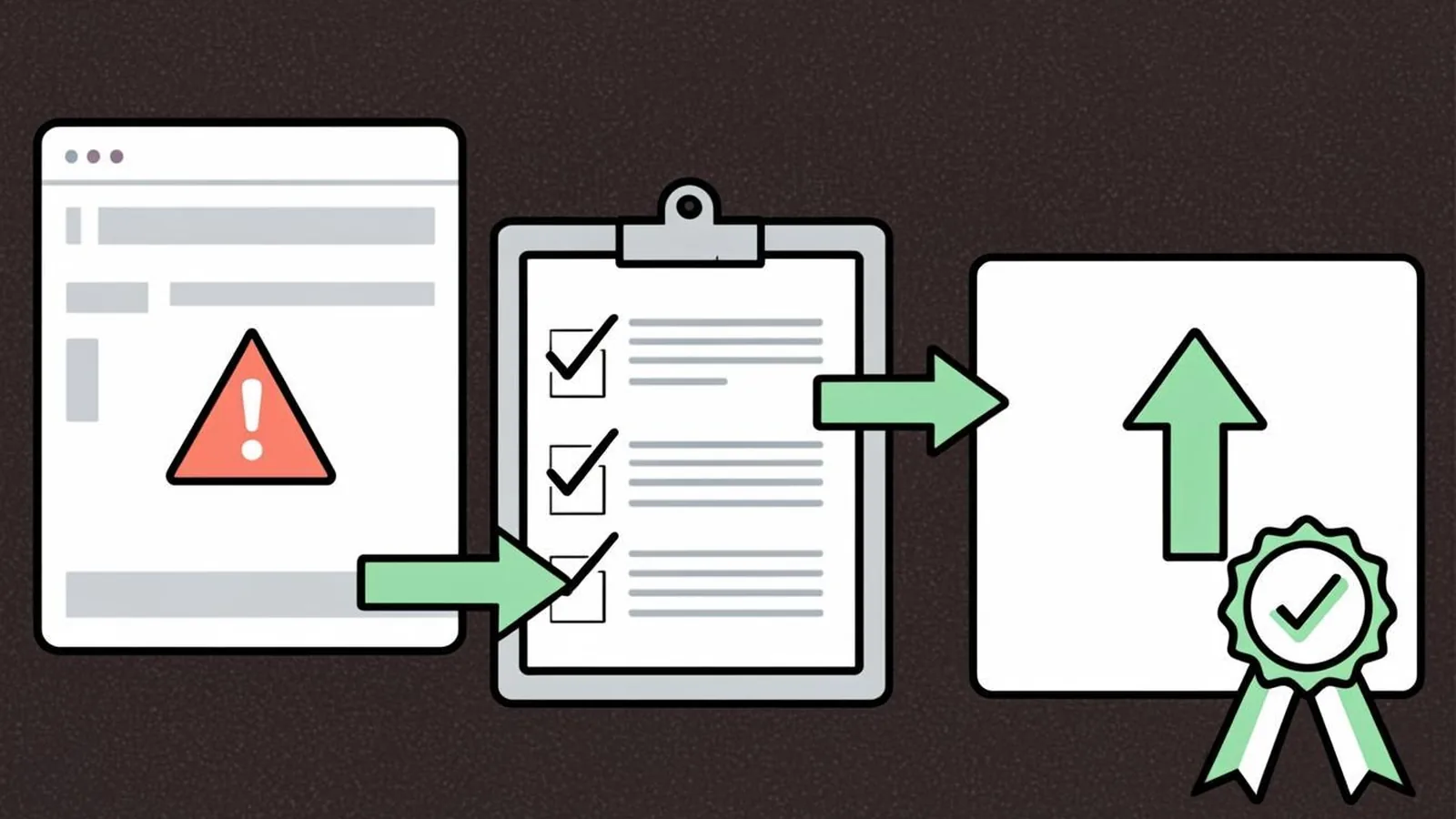
Google is half the indexing picture. Bing runs its own index, and a growing share of answers from AI assistants, including Copilot and much of what Perplexity and ChatGPT search resolve against, draws from the Bing side of the web. The good news is that Bing made its submission path trivial.
IndexNow is an open protocol that Bing, Yandex, Seznam, Naver, and several other engines accept. You host one key file on your domain, then send a single POST to any IndexNow endpoint with your URLs, and every participating engine is notified at once. There is no per engine setup, no account creation, and no quota dance. One submission, many indexes.
The AI layer sits on top of both indexes. Assistants that browse the live web use their own crawlers, like GPTBot, ClaudeBot, and PerplexityBot, and they respect robots.txt, so check that your robots file allows the ones you want. An llms.txt file, a plain text map of your site written for AI readers, is an emerging convention that more tools read every quarter. This site ships one, and publishing your key content in markdown alongside HTML is cheap insurance that the AI side of search sees your best pages.
How long indexing takes and how to monitor it#
Realistic timelines, so you know when to worry and when to wait:
| Situation | Typical time to index |
|---|---|
| Request Indexing on an established site | Hours to a few days |
| New page on an established site, linked and in the sitemap | Days to two weeks |
| Brand new domain with no external links | One to four weeks, sometimes longer |
| Page after fixing an eligibility blocker | One to three weeks after the fix |
| Large site with crawl budget pressure | Weeks, and it recurs |
Monitor with verdicts, not vibes. Search Console's Pages report shows the ratio of indexed to not indexed over time, URL Inspection shows the state of any single URL, and site: searches confirm what a random visitor would see. Keep a simple log: the URL, what you changed, when you changed it, and the verdict before and after. The log is what turns indexing from superstition into engineering, because verdicts move on their own schedule and memory does not.
Two rules keep monitoring honest. First, resubmit only after a meaningful change, because resubmitting an unchanged page tells Google nothing new and teaches it your lastmod dates are noise. Second, treat a verdict as the unit of progress. Submitted is a promise, indexed is a result, and everything between them is diagnosis.
FAQ#
How long does it take Google to index a website?#
A new page on an established site that is linked internally and listed in the sitemap is typically indexed within days to two weeks. A brand new domain with no external links can take several weeks, because Google schedules first crawls conservatively for domains it has no history with. Request Indexing shortens the wait for a few key pages, but it does not change the schedule for the rest of the site. If a single page stays unindexed for more than a month while its siblings index fine, stop waiting and run the blocker diagnosis instead.
Why is my website not showing on Google after I submitted it?#
Because submission only guarantees discovery, and discovery is the easiest of the three stages. The page still has to be crawled, which depends on crawl prioritization, and indexed, which depends on eligibility and quality. Check the page against the prerequisite checklist: status code, robots.txt, noindex directives, canonical target, internal links, and sitemap presence. In most cases one of those fails, most often a stray noindex tag or a page that sits five clicks from the homepage with no internal links pointing at it.
Does the Google Indexing API work for every website?#
Google documents the Indexing API for JobPosting and BroadcastEvent content, and those are the only types it officially supports. Many tools, including this one, submit general pages through the API, and Google accepts the calls, but the documentation stance is what it is. Treat the API as a prioritization lane for pages on a verified property, pair it with sitemaps and internal links, and keep expectations aligned with the quotas the API enforces. For pages the API does not cover, Search Console and clean sitemaps remain the documented path.
Does IndexNow submit to Google?#
No. IndexNow is a separate protocol and Google does not participate. It notifies Bing, Yandex, Seznam, Naver, and the other participating engines in a single request, which is exactly why it complements rather than replaces the Google side of an indexing workflow. A complete pipeline runs both: the Indexing API or Search Console for Google, and IndexNow for everything else, including the AI assistants that resolve answers against the Bing index.
How often should I submit my pages for indexing?#
Once per meaningful change. Google has said plainly that repeatedly resubmitting unchanged pages accomplishes nothing, because the crawler refetches on its own schedule and the submission does not change the priority. Resubmit when the content materially changes, when an eligibility blocker is fixed, or when the page first goes live. Everything else is monitoring, and monitoring means reading verdicts, not pressing the button again.
How do I confirm a page is actually indexed?#
Search for site: followed by the full URL. If the page appears, it is indexed. For more detail, open the URL in Search Console's URL Inspection, which shows the coverage state, the last crawl date, and any errors or warnings from the last fetch. For batches, the Pages report aggregates every URL on the property by state. Indexer runs these checks for every submitted URL and reports the verdict per page, which is the same information without the clicking.
Sources#
- Google Search Central: Ask Google to recrawl your URLs
- Google Search Central: Indexing API
- Google Search Central: Pages indexing report
- IndexNow: documentation
Further reading#
- 404s in Your Sitemap: The Silent Indexing Killer
- AI Overviews and Your Traffic: How to Adapt
- Alternate Page with Proper Canonical: Should You Fix It?
- Answer Engine Optimization (AEO) vs. GEO vs. SEO
- Backlink Indexers Explained: How They Work and When to Use Them
- BYOK Explained: Why Bring-Your-Own-Key SaaS Is Taking Over
- Google Indexing API Errors and Quotas: Every Fix
- Google Indexing API Setup: From Cloud Console to First Submit
- IndexNow Explained: the Protocol, Key and Engines
- Search Console Verification: Every Method Compared
- Sitemap XML Explained: Format, Limits and Lastmod
- Why Is My Website Not on Google? 9 Reasons and the Fix for Each