Search Console URL Inspection API: Read the Verdict on Any URL
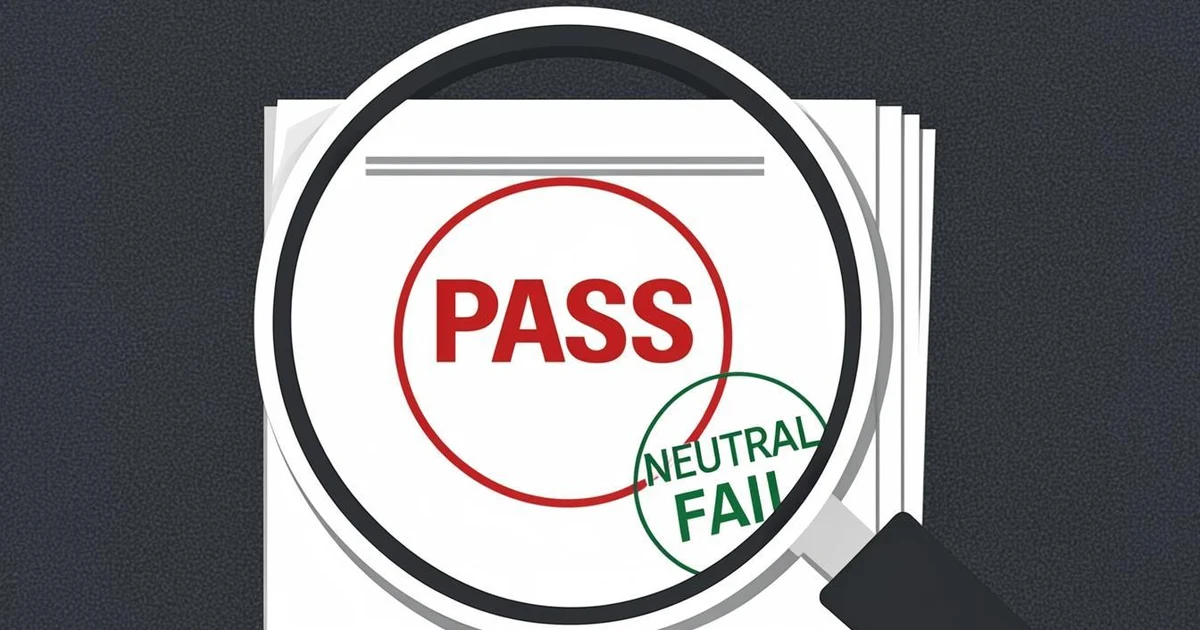
The URL Inspection API is the part of the Search Console API family that answers the only question that matters after you submit a page: what did Google actually do with it. One call returns the same index status data the URL Inspection tool shows in the interface, the coverage state, the canonical Google selected, the last crawl time, and whether robots.txt or a noindex rule is in the way. This guide covers the whole thing with one worked example domain: the setup, the exact request, the response fields one by one, every coverage state in plain language, the 2,000 calls a day quota and its arithmetic, and the errors you will meet. It is written for site owners and SEOs who are done guessing and want the verdict read to them in JSON.
Key takeaways#
- The URL Inspection API exposes the URL Inspection tool as a REST endpoint: you POST one URL, it answers with the index status Google holds for that URL.
- The response is the indexed version Google currently has. It is not a live test of the page, and there is no live-inspection parameter in the request.
- The quota is 2,000 queries per day and 600 per minute, and it attaches to the property, not to the credential. Unlike the Indexing API, adding keys does not raise it.
- The
verdictfield collapses everything into PASS, NEUTRAL or FAIL, andcoverageStatecarries the reason in Search Console's own vocabulary. - Reading the verdict is the easy half. The valuable half is acting on it: wait states respond to retries, while noindex, canonical and soft 404 states need a fix on your site first.
What the URL Inspection API is, and is not#
The Search Console API family has always been about getting your data out of the interface: performance queries, sitemap management, site management. What it lacked was the one screen every SEO lives in, the URL Inspection tool. In 2022 Google closed that gap with the URL Inspection API, and it works exactly like the tool it mirrors.
The endpoint is a single POST to https://searchconsole.googleapis.com/v1/urlInspection.index:inspect. The request carries two required strings, the URL to inspect and the Search Console property it belongs to, plus an optional language code for localized field values. The response returns the inspection result Google holds: index status first, and when the analyses apply, AMP, rich results and mobile usability blocks as well. The current documentation marks the mobile usability block deprecated, so treat index status and rich results as the parts that matter.
Two boundaries define what this API is. First, it is a read. It inspects, reports and changes nothing, which makes it the natural partner of the write-only Indexing API covered in the Google Indexing API setup guide: one API notifies, the other verifies. Second, it answers for the indexed version of the URL, the same cached judgment the tool shows by default, not a fresh fetch of the live page.
| The call answers | The call does not |
|---|---|
| Is this URL indexed right now | Will this URL be indexed if I submit it |
| Why not, in Search Console's own words | Whether your fix worked, until Google recrawls |
| Which canonical Google selected | Live rendering, JavaScript or raw HTML state |
| When the page was last crawled | Anything about URLs outside the property |
One more detail worth internalizing early: if a block is missing from a response, the analysis was not available for that URL. An absent lastCrawlTime means the URL was never successfully crawled. Absent rich results means none were found. The API is quiet by design, and silence is data.
Setup: the same service account you already have#
If you followed the Google Indexing API setup guide, you already own every credential this API needs, because both APIs live in the same Search Console API family and authenticate the same way.
You need a Google Cloud project with a service account, its JSON key, and that service account granted access to the Search Console property. The scope differs only in name: the Indexing API uses indexing, while the URL Inspection API uses webmasters.readonly, which is the read-only member of the webmasters scope pair. Full write access is never needed to inspect URLs.
The permission that trips everyone is the same one as with the Indexing API: the caller must be a verified user of the property. A service account that was never added in Search Console gets 403 PERMISSION_DENIED on every request, and the fix is the Owner grant, not a new key. The Indexing API guide walks that grant in full, including the propagation delay that makes a brand-new owner look broken for a few minutes.
The first call, and what comes back#
Working with one example domain, https://example.com/, whose property in Search Console is the domain property sc-domain:example.com, the call asks about one page:
curl -X POST \
  -H "Authorization: Bearer $TOKEN" \
  -H "Content-Type: application/json" \
  -d '{
    "inspectionUrl": "https://example.com/blog/new-post/",
    "siteUrl": "sc-domain:example.com"
  }' \
  "https://searchconsole.googleapis.com/v1/urlInspection/index:inspect"
The siteUrl must be the property exactly as Search Console defines it: sc-domain:example.com for a domain property, https://example.com/ for a URL-prefix property. The inspectionUrl must live under that property. If the URL is outside the property's scope, the call fails with a 400 rather than returning data for a page you do not control.
A healthy response for an indexed page looks like this:
{
  "inspectionResult": {
    "inspectionResultLink": "https://search.google.com/search-console/inspect?resource_id=sc-domain:example.com&id=…",
    "indexStatus": {
      "verdict": "PASS",
      "coverageState": "Submitted and currently indexed",
      "robotsTxtState": "ALLOWED",
      "indexingState": "INDEXING_ALLOWED",
      "lastCrawlTime": "2026-09-04T07:19:00Z",
      "pageFetchState": "SUCCESSFUL",
      "googleCanonical": "https://example.com/blog/new-post/",
      "userCanonical": "https://example.com/blog/new-post/",
      "crawledAs": "WEB",
      "sitemap": ["https://example.com/sitemap.xml"],
      "referringUrls": ["https://example.com/blog/"]
    }
  }
}
Every field in that block is a verdict you would otherwise read by hand, one URL at a time, in the tool.
The response, field by field#
The indexStatus object is where the answer lives. The other blocks, AMP, rich results, mobile usability, are secondary analyses that appear only when they apply.
| Field | What it tells you |
|---|---|
verdict | The collapsed judgment: PASS, NEUTRAL or FAIL |
coverageState | The reason in Search Console's own vocabulary, the same wording as the Page Indexing report |
robotsTxtState | Whether a robots.txt rule blocks the page, ALLOWED or DISALLOWED |
indexingState | Whether the page blocks indexing itself, INDEXING_ALLOWED means no noindex rule applies |
lastCrawlTime | When Google last fetched the page with its primary crawler; absent means never crawled |
pageFetchState | Whether the fetch worked, SUCCESSFUL when it did |
googleCanonical | The URL Google chose as the canonical version of the page |
userCanonical | The canonical your page declared; disagreement with googleCanonical is a signal |
crawledAs | The primary crawler Google used |
referringUrls | Internal and external URLs Google knows that link to this page |
sitemap | The sitemaps Google associated with the URL, when it found it in one |
Two comparisons do most of the diagnostic work. googleCanonical against userCanonical tells you whether Google agreed with your canonical declaration. coverageState against lastCrawlTime tells you whether the page was judged after a real fetch, or never fetched at all, which is the difference between a quality problem and a crawl budget problem.
See the response for every state#
The states below are the ones that cover almost every URL you will inspect. Pick one to see the JSON the API returns for it, what it means, and what it asks you to do.
Response explorer
See the response for each coverage state
Pick a state the API returns. The JSON is the shape of the indexStatus object for that state, the reading is what it means, and the action is what moves the URL.
Pick a state above to see its response.
Every coverage state, and what it asks for#
The coverageState strings come from Search Console's Page Indexing vocabulary, which the API returns verbatim. Grouped by what they ask of you:
| Coverage state | Usual verdict | What it asks for |
|---|---|---|
| Submitted and currently indexed | PASS | Nothing. The goal state. |
| Indexed, not submitted in sitemap | PASS | Add the URL to your sitemap, so the whole index does not lean on discovery |
| Discovered - currently not indexed | NEUTRAL | Patience, internal links, or a submission to raise crawl priority |
| Crawled - currently not indexed | NEUTRAL | Better content on the page, or consolidation with a stronger page |
| Excluded by noindex tag | FAIL | Remove the noindex at its source, then resubmit |
| Alternate page with proper canonical tag | PASS | Nothing, when the canonical is the one you wanted |
| Duplicate without user-selected canonical | FAIL | Declare a canonical, or 301 the duplicates away |
| Duplicate, Google chose different canonical | FAIL | Inspect the URL Google chose; fix the declaration only if you disagree |
| Soft 404 | FAIL | Serve a real 404, or put real content on the page |
| Excluded by robots.txt | FAIL | Allow the path, then submit |
| Page with redirect | PASS | Nothing, when the redirect is intentional |
| Redirect error | FAIL | Fix the redirect chain or its target |
| Not found (404) | FAIL | Fix the link, or stop listing the URL |
| Server error (5xx) | FAIL | Fix the server, then resubmit |
| URL is unknown to Google | NEUTRAL | Submit the URL, or give it an internal link to be discovered |
The table's quiet pattern: the FAIL states are almost always a fix on your side, and resubmitting before that fix is quota spent on nothing. The NEUTRAL states are the ones where time, links and submission genuinely move the needle.
The two states that mean Google is still thinking#
Discovered and crawled, both currently not indexed, deserve their own reading because they are the states a submission workflow actually changes.
Discovered means Google has the URL, from a sitemap or a link, and has never fetched it. The page sits in the crawl queue behind pages Google considers more worth fetching. New domains live here: the real test on record spent its first hours exactly in this state, and the first indexed verdict arrived only after Google's own crawl priorities shook out.
Crawled means Google fetched the page, read it, and declined to index it. That is a quality judgment, not a logistics problem. Resubmitting the same content invites the same answer. Improving the page, merging it with a stronger one, or linking it from somewhere that matters is what changes the outcome.
Why Is My Website Not on Google? decodes every one of these states with the exact fix each needs; this guide stays on the API mechanics of getting them.
Quota: 2,000 calls a day, per property#
The Inspection API is free, like everything in the Search Console API family, and its quota works differently from the Indexing API's in one decisive way. The Indexing API attaches its 200 notifications per day to the credential, so keys stack. The Inspection API attaches its quota to the property: 2,000 queries per day and 600 per minute, per property, no matter which key asks.
| Property size | Full audit takes |
|---|---|
| 2,000 URLs | 1 day |
| 10,000 URLs | 5 days |
| 50,000 URLs | 25 days |
| 500,000 URLs | 250 days of steady calls |
There is no key pool for inspections. The lever is prioritization: inspect the URLs that earn money or that you just changed, and let sitemaps and the Page Indexing report carry the long tail. When the quota is spent, requests return 429 RESOURCE_EXHAUSTED until the window resets.
Automating the loop without the plumbing#
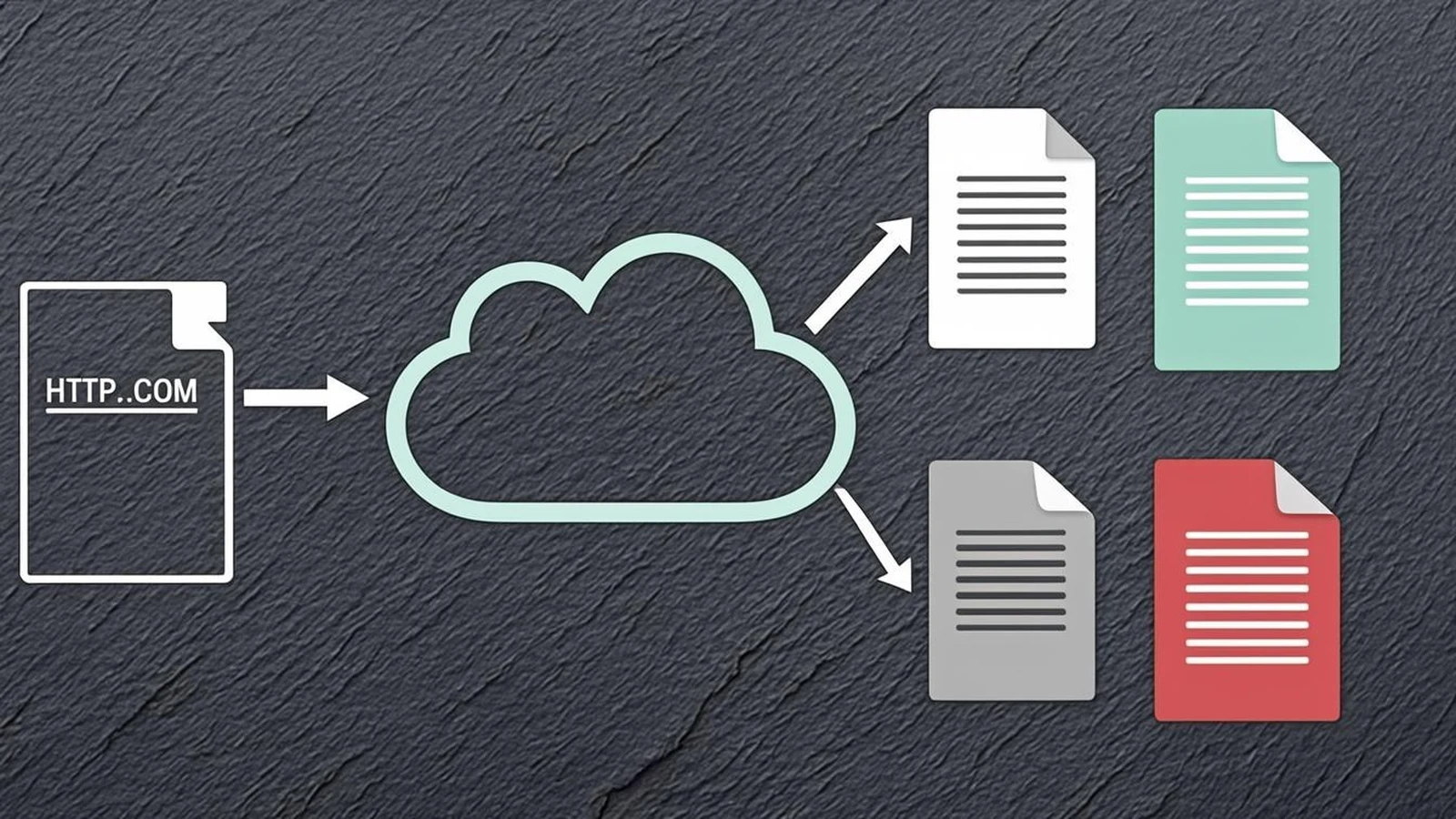
The setup above is a one time job, but inspection only pays when it runs on a schedule, and that is where scripts grow into a second job. A queue of changed URLs, a worker that drains it inside the quota, a verdict history per URL so a state change is an event rather than a re-read, a retry policy that resubmits only the states retries can help, and a report you can forward. Every one of those pieces is straightforward alone and heavy together.
Indexer runs this loop against the same endpoint. Sitemap sync feeds the queue, submissions go out through the Google Indexing API and IndexNow, and the verdict comes back through this inspection API for every submitted URL, re-inspected on a schedule, with the full per-URL history kept and exportable. States that mean the problem is on your site, like noindex or a canonical disagreement, are never retried, because Google already ruled. States that mean waiting, like crawl budget, are retried inside your chosen 3, 7 or 14 day window, up to three attempts per URL. The free plan includes 5 manual checks a month to see the verdict on any URL; automated inspection for every submitted URL is part of the paid plans, and the documentation walks the same setup this guide covers.
Common errors and what they mean#
| Error | What it means | The fix |
|---|---|---|
403 PERMISSION_DENIED | The service account is not a verified user of the property | Grant it access in Search Console, then wait out propagation |
400 INVALID_ARGUMENT | The inspectionUrl is outside the siteUrl property, or a URL is malformed | Match the URL to the property exactly |
429 RESOURCE_EXHAUSTED | The 2,000 a day property quota, or the 600 a minute burst, is spent | Pace the calls, or wait for the window to reset |
401 UNAUTHENTICATED | The token is missing, expired, or signed wrong | Rebuild the JWT with the webmasters.readonly scope |
Empty indexStatus fields | The analysis was not available for this URL | Absence is the answer; see the field table above |
The pattern is the same one the Indexing API has: strict, literal, and specific about what failed. The one behavioral difference to remember is the quota attachment point, because a team that scales inspection by adding keys will add keys and change nothing.
What to read next#
- Google Indexing API Errors and Quotas is the write side's failure reference: every publish endpoint code, Google's exact message wording, and the fix for each.
- Google Indexing API Setup covers the write side of this pair: the service account, the Owner grant, the 200 a day key quota and the key pool math.
- IndexNow Explained: the Protocol, Key and Engines
- Search Console Verification: Every Method Compared covers the prerequisite this guide assumes: the five verification methods, which property types accept them, and why verification expires.
- Sitemap XML Explained: Format, Limits and Lastmod
- Why Is My Website Not on Google? decodes every coverage state in full, with the fix each one needs.
- How to Index Your Website on Google is the ground-floor guide: verification, sitemaps, and the submission paths that feed this API something to inspect.
- Sitemap XML Explained: Format, Limits and Lastmod covers the third submission channel this workflow syncs: the format, the 50,000 URL and 50MB limits, and what engines drop.
- The documentation walks the same setup as a step by step checklist, from signup to the first verdict in the console.