Index Status Alerts: Know the Moment a Page Drops Out
Index status alerts notify you as soon as an important page leaves the search index, and this guide shows how to build index drop alerts that catch losses within days instead of weeks. Many teams discover deindexing only after traffic and revenue have already declined, because no system was watching coverage between monthly reports. A page can be excluded by a stray noindex tag, a canonical rewrite, a sitemap gap, or repeated server errors, and without alerts the cause sits unfixed while competitors keep their visibility. This guide is for site owners, SEOs, and developers who want a dependable early warning system with clear ownership and fast triage.
You will learn which pages deserve immediate alerts and which belong in digests, which data sources trigger reliably, how to set thresholds that avoid noise, how to route notifications to the right owner, and how to link every alert to a fix workflow with recovery confirmation. You will also learn how alerts fit with broader monitoring, audits, and KPI reporting so early warnings lead to durable fixes rather than repeated fire drills. The focus is Google coverage through Search Console signals, with notes on how submission workflows such as sitemaps and IndexNow for participating engines relate to alert logic.
Key takeaways
- Alert immediately on Tier 1 drops, send daily or weekly digests for lower tiers, and require persistence before opening incidents to filter recrawl flicker.
- Base alerts on Search Console index states joined with sitemap, HTTP, canonical, and crawl signals so each notification includes likely cause.
- Route every alert to one owner with a next action and recheck date, and confirm recovery with consecutive indexed snapshots.
- Review alert precision monthly and adjust thresholds, tiers, and ownership so the system stays trusted as the site changes.
- Why silent deindexing costs more than most teams expect
- Index drop alerts: what counts as a drop worth alerting
- Choosing data sources that trigger reliably
- Tiering pages for immediate alerts versus digests
- Setting thresholds that catch real losses without noise
- Designing alert content owners can act on
- Delivery channels and schedules that get read
- Triage playbook from alert to verified recovery
- Common drop causes and the fastest checks
- Reducing false positives over time
- Connecting alerts to monitoring KPIs and audits
- FAQ
- Sources
- Further reading
 <!-- IMAGE-PROMPT cover: 1200x630, DependsIt brand, deep charcoal #121212 or clean white background, vibrant mint #22E3B0 accent glow, thin node-network line art, Clash Display style bold headings space on left, General Sans clean labels, subject: alert dashboard flagging deindexed pages with bell and status list, flat vector, high contrast, accessible, no photorealistic faces, no text smaller than 24px, no em dash in rendered text, export PNG then cwebp -q 82 to WEBP -->
Why silent deindexing costs more than most teams expect
Silent deindexing is expensive because the loss compounds while nobody looks. A product page that leaves the index stops collecting impressions and clicks, which reduces sales and also removes internal link equity that supported related pages. A guide that drops out stops attracting new links and newsletter signups, which slows future growth even after recovery. Because search demand does not pause, competitors absorb the clicks during the gap, and regaining position after reindexing can take longer than the outage itself. Teams often measure the outage in days but feel the impact for weeks, especially for seasonal pages where timing determines most of the yearly value.
The silence usually comes from process gaps rather than tool gaps. Publishing teams ship template updates without SEO review. Developers add staging guards that leak to production. Content teams retire products without redirect plans. Hosting incidents return errors during nightly crawl windows. Each change is small on its own, and Search Console records the resulting exclusion, but nobody connects the exclusion to the change because no alert links them by date. Monthly reports arrive too late to preserve the timeline, and postmortems rely on memory instead of snapshots. Alerts fix this by creating a dated record at the moment of change, so diagnosis starts with facts.
Another cost is misdirected work. Without alerts, teams notice traffic declines first and investigate broadly across rankings, links, and content quality before checking whether core pages are even indexed. That broad search wastes days while the real cause might be a single robots header or canonical error that an alert would have named immediately. Early index alerts narrow the scope fast. When the alert says five URLs on one template changed from indexed to excluded by noindex on the same date as a theme release, the fix is obvious and contained. When the alert shows one money page with repeated server errors, infrastructure becomes the priority instead of content rewrites.
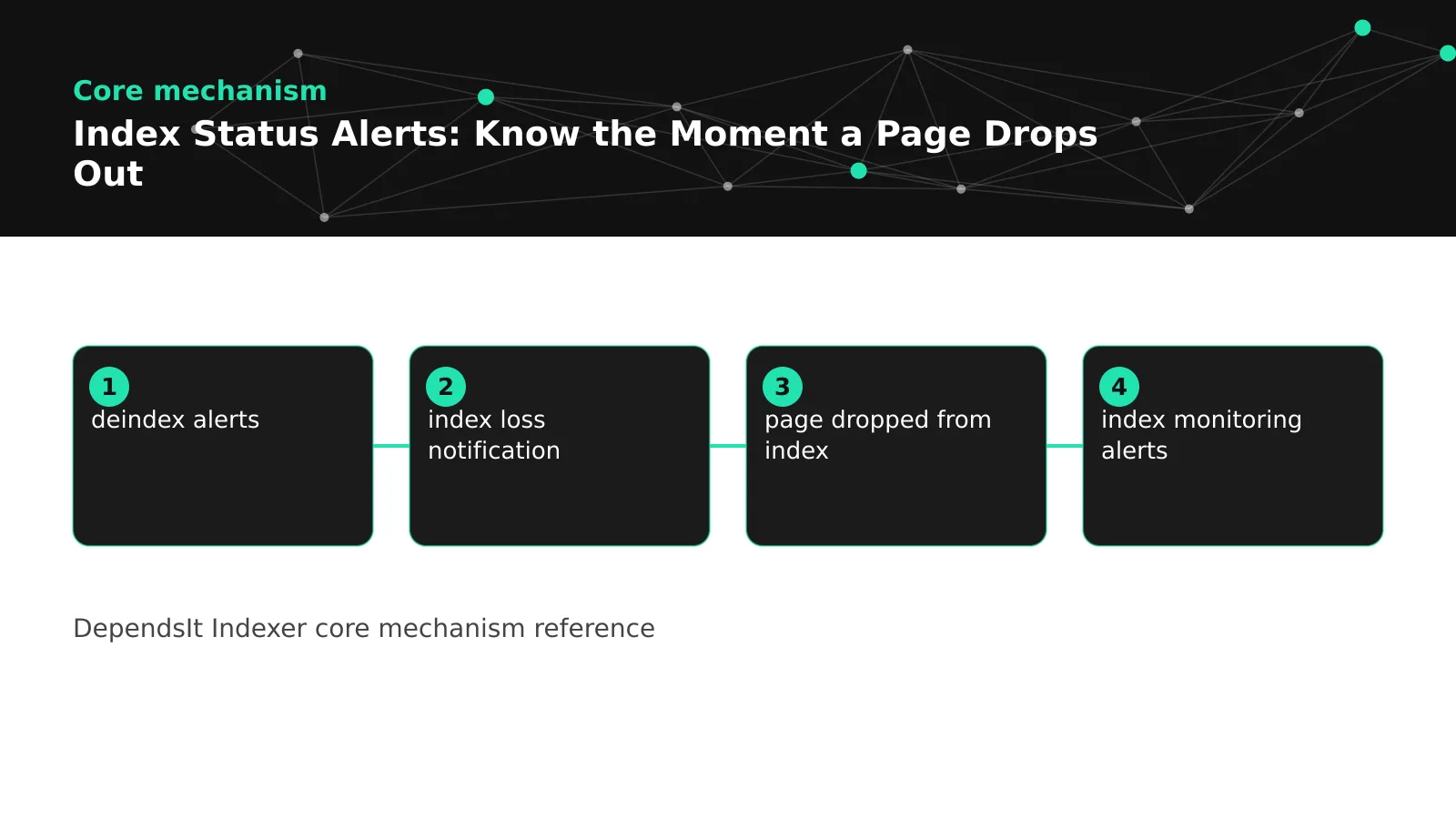
Alerts also protect trust between teams. Stakeholders accept that search systems fluctuate, but they lose confidence when drops are discovered by accident weeks later. A short notification that names the page, the prior and current state, the likely cause category, and the owner with a recheck date shows control even before the fix is complete. Over time, consistent early detection shortens mean time to recovery, reduces repeated incidents from the same cause, and makes larger changes such as migrations safer because coverage is watched continuously. The rest of this guide builds that capability step by step, starting with a precise definition of what counts as a drop. When a page dropped from index without warning, the first question is whether the team received an index loss notification with cause context, since simple deindex alerts without evidence often get ignored. Well designed notifications answer that gap in one message.
Index drop alerts: what counts as a drop worth alerting
Not every status change deserves an alert, so define a drop as a meaningful move from an indexed state to an excluded state for a URL that should remain indexed. Indexed means Search Console reports the URL as indexed with a self declared or accepted canonical. Excluded covers states such as excluded by noindex, duplicate without user selected canonical, discovered but not indexed, crawled but not indexed, server error, redirect error, and related coverage reasons. The key filter is should remain indexed. URLs that were intentionally noindexed, redirected, or retired should leave the alert inventory cleanly instead of firing forever. That filter keeps the signal focused on unintended losses.
Distinguish hard drops from soft signals. A hard drop is a Tier 1 page moving from indexed to any excluded state, or a cluster of pages on one template moving together within the same snapshot window. These deserve immediate attention because they threaten revenue or indicate a shared regression. A soft signal is a single Tier 2 page moving to discovered but not indexed for one snapshot, or a Tier 3 sample fluctuating during a recrawl. These belong in a digest with persistence rules rather than an instant page. Writing these definitions down prevents debates where every fluctuation feels urgent and real clusters get lost in noise.
Include context that separates real drops from inventory errors. Before alerting, confirm the URL is still canonical, still returns 200, still allows indexing, still appears in the expected sitemap, and still belongs to an active section. If any of those checks fail because the page was intentionally retired or consolidated, update the inventory instead of opening an incident. This precheck can run automatically as part of the alert job by joining snapshot fields, and it eliminates a large share of false alarms on dynamic catalogs where products retire daily. The alert should only fire when the page should be indexed but is not.
Document edge cases that often confuse teams. Parameter variants should not alert independently when the canonical target remains indexed. Translated alternates should alert under their own locale rules rather than global rules. Staging and preview hosts should never enter the alert inventory. Pages pending launch should stay in a watch list with expected index dates rather than in the active alert set. When edge cases are explicit, new team members route alerts correctly without tribal knowledge, and audits can verify that every important canonical has coverage without double counting variants that were never meant to rank.
Choosing data sources that trigger reliably
Reliable alerts need sources that are timely, specific, and explainable. Search Console coverage and inspection data provide the core state vocabulary, including the exact exclusion reason, canonical declaration, and last crawl date. These fields make alerts actionable because they suggest the next check instead of merely reporting missing from results. Sitemap reports add section context by showing submitted versus indexed counts per file, which helps detect cluster drops even when page level quotas limit daily inspection calls. Crawl stats and server logs show whether crawlers visited before the state change and which status codes they received, which separates fetch failures from quality based exclusions.
For state meanings that appear in alerts, keep two references handy for triage: the explainer for discovered but not indexed patterns and the fix list for crawled but not indexed outcomes. Those states trigger often and point to different work, with discovery gaps needing links and sitemap placement while post crawl exclusions need content, duplication, or canonical fixes. Alert templates should preserve the exact state string rather than collapsing to a generic deindexed label, because the state determines the first three checks. Teams that keep this vocabulary consistent close incidents faster and write better postmortems.
Supplement Search Console with lightweight technical checks that run on the same schedule. A fetch of each flagged URL can confirm HTTP status, robots meta, x robots header, canonical tag, title presence, and word count bucket at alert time. A sitemap lookup can confirm whether the URL is still listed and whether the file is valid. A log lookup can confirm recent bot visits and error rates. Joining these fields into the alert payload means the owner starts with evidence instead of opening four tools. Even if some joins begin as manual steps, standardizing the field list makes every alert comparable and reduces time to cause. Mature teams pair index monitoring alerts with index status notifications in one joined view, so triage can track index drops by section and template without opening separate tools.
Use official docs to define fields and limits so alerts match what engineers see in native tools. The Search Console help pages describe coverage states and delays, and the developer docs describe API quotas and inspection limits that constrain how often page level alerts can refresh. The IndexNow documentation defines what submission responses confirm for participating engines, which does not include Google, so alert logic should never treat an IndexNow acceptance as proof of Google indexing. Sources below list the allowlisted references used for these definitions. When alert rules cite these sources, handoffs between SEO and engineering stay grounded in shared terminology.
Tiering pages for immediate alerts versus digests
Tiering decides who gets woken up and who gets a summary. Tier 1 is the smallest set with the largest impact: homepage, core category or service pages, top revenue products, key lead forms, and any page in a launch or seasonal push. Tier 1 alerts fire immediately on any state change, day or night, to a channel the owner actually reads, with URL, prior state, current state, snapshot dates, and first checks attached. The set should stay small enough that an alert always feels urgent. If Tier 1 grows past 100 URLs on most sites, urgency dilutes and owners start muting the channel.
Tier 2 covers the next few hundred important pages: supporting articles, secondary products, location pages, and templates that represent larger groups. Tier 2 alerts work best as a daily or twice weekly digest grouped by cause and template, with example URLs and counts rather than one message per page. Grouping reveals clusters and keeps the digest readable. A digest that says 12 product pages moved to duplicate without canonical on the same date with three examples and a link to the snapshot view leads to one template fix instead of 12 scattered tickets. Persistence rules apply here, so single snapshot flickers do not create incidents.
Tier 3 is a sampled set that represents archives, long tail content, and large catalogs without tracking every URL at page level. Tier 3 belongs in weekly or monthly review with trend charts rather than alerts, except when the section rate breaks a threshold such as a five point drop week over week or three consecutive declining weeks. Threshold based section alerts catch systemic issues without per URL noise. Define thresholds per section based on history rather than one global number, because a stable 98 percent section and a volatile 82 percent section need different sensitivity.
Maintain tiers as living lists with owners and review dates. New pages enter Tier 1 temporarily for their first 30 to 60 days, then graduate to their steady tier after stable indexing. Seasonal pages move up before peak and down after. Retired pages leave alerting entirely with an archived history. Review tier membership quarterly alongside inventory maintenance, and record why each URL sits in its tier. When tiers reflect current business value, alerts feel relevant and get fixed quickly. When tiers go stale, alerts feel random and get ignored, which recreates the silence the system was built to remove.
Setting thresholds that catch real losses without noise
Thresholds turn raw state changes into incidents without overwhelming owners. The simplest effective rule combines persistence with scope. For Tier 1, alert on the first changed snapshot because delay costs more than a rare false positive. For Tier 2, require two consecutive non indexed snapshots before opening an incident, and close only after two consecutive indexed snapshots. For Tier 3, alert on section rate movement rather than single URLs, such as a drop of more than three points in a week or a new low over eight weeks. These rules are easy to implement with a consecutive state counter and a section rate table, and they filter most recrawl flicker automatically.
Tune thresholds with recent history rather than guesses. Look at the last 90 days of snapshots and count how many alerts each candidate rule would have created, how many led to real fixes, and how many were transient. If a rule creates daily incidents that resolve without action, raise persistence or narrow scope. If a real drop sat for two weeks before triggering, lower persistence for that tier or add a cluster rule that fires when three or more sibling pages change together even if each one is early in its persistence count. Cluster rules catch template regressions fast while per URL persistence still filters isolated flicker.
Add suppression for known maintenance windows and expected transitions. Pause per URL alerts during planned migrations, replatform cutovers, or bulk canonical consolidations, and replace them with a dedicated migration watch view that tracks progress rather than firing hundreds of incidents. Suppress alerts for URLs with a scheduled removal or redirect date once that date passes, and update the inventory instead. Record every suppression with reason, owner, and expiry so silence is always intentional and visible. Unrecorded suppression recreates the original problem under a new name.
Measure threshold quality monthly with precision and recall approximations. Precision is the share of alerts that led to a real fix or a meaningful inventory correction. Recall is harder to measure directly, so approximate it by sampling recent traffic drops and checking whether an alert fired first. Aim for high precision on immediate channels and broader coverage in digests. When precision slips, tighten Tier 1 membership or raise persistence. When coverage slips, add cluster rules or expand Tier 2 sampling. Threshold tuning is ongoing maintenance, not one time setup, and it is what keeps alerts trusted quarter after quarter.
 <!-- IMAGE-PROMPT diagram-01: 1600px max, DependsIt brand mint #22E3B0 on charcoal #121212 or white, node-network line art, Clash Display style headings, General Sans clean labels, subject: alert tier pyramid showing immediate digest and trend levels with thresholds, flat vector, accessible, no em dash -->
Designing alert content owners can act on
An alert should contain everything needed to start triage without opening another tool. Include URL, section, template, tier, owner, prior state, current state, first seen date for the change, consecutive count, canonical target, HTTP status, in sitemap flag, robots flag, last crawl date, last bot visit date, and template version. Add three links: the snapshot history for the URL, the section dashboard, and the triage checklist. Keep the layout scannable with the change and owner at the top, evidence in the middle, and next steps at the bottom. When alerts carry evidence, owners act instead of asking for context.
Write titles that state the change plainly. Good titles name tier, scope, and state, such as Tier 1 drop: pricing page moved from indexed to excluded by noindex on Oct 12. Bad titles hide the decision, such as SEO alert: URL status changed. The title should let a busy owner decide in seconds whether to open now or after standup. For digests, lead with clusters rather than pages, such as 9 product pages on template v42 moved to duplicate without canonical, with examples. Cluster first titles guide template fixes and prevent 9 separate threads about the same cause.
Include next steps tailored to the state. For excluded by noindex, list checks for meta robots, x robots header, CMS SEO flags, and theme defaults. For duplicate without canonical, list canonical target, internal link signals, and sitemap inclusion. For server error, list recent status codes, response times, and deploy dates. For discovered but not indexed, list internal link count, hub placement, and sitemap presence. These state specific checklists live once in documentation and are linked from every alert, so each notification teaches the fix pattern while routing the current incident. Over time, owners internalize the patterns and resolve common drops without escalation.
Close the loop inside the alert thread. When a fix ships, record what changed, when it deployed, and which snapshot should show recovery. Update the alert status to monitoring fix rather than leaving it open with no date. When two consecutive indexed snapshots confirm recovery, close with a short note and link to the history. This discipline builds a searchable record of causes and fixes that speeds future triage and informs audits. It also shows stakeholders that alerts lead to outcomes, which sustains support for monitoring investment and threshold maintenance.
Delivery channels and schedules that get read
Delivery determines whether alerts change outcomes. Tier 1 needs a channel that interrupts, such as a dedicated chat channel with mentions, SMS for after hours revenue pages, or a paging integration during launches. Digests belong in email or a daily chat summary that owners can process in one sitting. Trend reports belong in the weekly SEO meeting with charts, not in chat threads. Match interruption level to tier and time sensitivity, and write the mapping down so new pages inherit the right channel automatically. When everything interrupts, nothing does, so protect the urgent channel by keeping Tier 1 small.
Schedule collection and delivery to avoid noisy windows. Run snapshot jobs at stable times outside deploys and feed rebuilds, then deliver digests shortly after with fresh data. For example, run Tier 2 collection at 06:00 UTC and deliver the digest at 08:00 local time for the owning team. Avoid midnight batches that record partial feed states as drops. Show collection time and data freshness in every message so owners know whether they are seeing today or yesterday. Freshness labels prevent arguments where an owner checks a page after a fix and wonders why the alert still shows the old state.
Make alerts readable on mobile with short lines, key facts first, and no wide tables. Owners often triage from phones during launches or incidents, and a dense table that requires horizontal scrolling will be deferred. Use grouped bullets, plain language, and one primary link to the full snapshot view. Keep history in the dashboard rather than pasting long logs into chat. The message should answer what changed, why it likely matters, who owns it, and what happens next, with evidence one tap away. Readable alerts get opened faster and fixed sooner.
Govern channels quarterly by measuring open rates, time to first action, and precision per channel. If the urgent channel carries many non urgent messages, move those tiers to digests. If digests go unread, shorten them to clusters with counts and examples, and move details to linked views. Archive resolved threads with consistent naming so searches find past incidents by URL or template version. Delivery is part of the system, not an afterthought, and small improvements in timing and clarity often do more for recovery speed than additional data fields.
Triage playbook from alert to verified recovery
Triage turns an alert into a verified fix through the same steps every time. Start by confirming the alert is still valid: fetch the URL, check HTTP status, robots meta and headers, canonical tag, visible content, and sitemap presence. Compare with the snapshot history to see whether siblings changed on the same date, which points to a shared cause. Check recent deploys, plugin updates, CDN rules, and feed runs for the same window. This first pass takes minutes when the alert already joins the key fields, and it prevents common mistakes such as rewriting content when the cause is a header added by a security rule.
Next, classify the cause into one of seven buckets: discovery gap, crawl block, canonical or duplicate, thin or low value, technical error, sitemap or feed issue, or pending reevaluation after a correct fix. Classification guides the fix and the expected recovery time. Discovery gaps need internal links and sitemap placement and often recover within one to two crawl cycles after strengthening signals. Canonical issues need target cleanup and link consistency and recover as the engine reprocesses signals across the cluster. Technical errors need infrastructure fixes and recover quickly once fetches succeed consistently. Thin content needs substantive improvement and takes longer because reevaluation depends on quality signals beyond crawling.
Assign one owner, one next action, and one recheck date before leaving the triage step. Even when the next action is to wait for recrawling after a verified fix, time box the wait with a date rather than leaving the incident open ended. Record the fix deployment date and the snapshot that should show movement. If Tier 1 has not improved by the recheck date, escalate to template or site level review instead of repeating page level edits. Escalation paths should be explicit: page owner to template owner to platform owner, with criteria for each handoff. Clear escalation prevents incidents from stalling when the first fix does not move the state.
Verify recovery with persistence, not single checks. Require two consecutive indexed snapshots after a fix before closing, and link those snapshots in the incident record. After closing, watch the URL for two more cycles as part of normal monitoring to catch regressions from incomplete fixes. Summarize cause, fix, dates, and snapshots in one closing note that future triage can find by searching URL or template version. This record compounds in value. After a few quarters, most new alerts will match a prior pattern with a known fix, and triage time will fall because the playbook and history do the heavy lifting.
Common drop causes and the fastest checks
Most drops come from a short list of causes, so memorize the fastest checks for each. Excluded by noindex often follows theme updates, SEO plugin defaults, staging guards, or CMS flags set during QA. Check meta robots, x robots headers, HTTP headers from the CDN, and template logic in that order. Duplicate without canonical often follows new parameter URLs, syndication without canonicals, or thin variants that consolidate poorly. Check canonical targets, internal link consistency, sitemap inclusion of only the canonical, and whether the target itself is indexed. Server errors often follow deploys, resource exhaustion, or firewall rules that challenge crawlers. Check status codes, response times, and bot specific behavior separately from browser checks.
Discovered but not indexed often reflects prioritization rather than a page fault. Check internal link depth, hub placement, sitemap presence and freshness, and whether the section has many new URLs competing for crawl attention. Strengthen links from Another important pattern is sitemap drift, where the URL leaves the sitemap after a feed change while remaining live and linked. The page may stay indexed for a while, then drop when reevaluated without sitemap support. A weekly sitemap membership check catches this early. Redirect and canonical drift also cause slow drops, where chains grow or targets change without updating inventory. Resolve to the final destination and update internal links and sitemaps together.
Content thinning causes slower, scattered drops that are easy to misread as technical issues. Template truncation, missing descriptions on products, or auto generated near duplicates can push pages below the value bar after a successful crawl. Check word count buckets, boilerplate ratio, and uniqueness against siblings when crawled but not indexed persists despite clean technical signals. Avoid quick patches such as adding filler text. Consolidate weak variants, improve the remaining pages with distinct useful content, and ensure internal links reflect the consolidated structure. Quality recoveries take longer than technical fixes, so set expectations and recheck dates accordingly.
Keep a one page cause table linked from every alert with these checks in order. The table should list state, likely causes, first three checks, owner, and typical recovery window. New responders follow it without guessing, and experienced responders use it to avoid skipping steps under pressure. Update the table whenever a new cause appears, such as a CDN bot rule or a feed regression, with date and example. A living cause table turns scattered incidents into institutional knowledge and shortens every future triage.
Reducing false positives over time
False positives erode trust faster than missed edge cases, so treat precision as a product metric. Track every alert outcome as real fix, inventory correction, transient resolved without action, or invalid rule. Calculate precision monthly per tier and per rule. If Tier 1 precision falls below 80 percent, tighten membership or add prechecks. If digests carry many transients, raise persistence or add cluster requirements. Share the precision chart with stakeholders so adjustments are seen as maintenance rather than failure. A system that measures its own noise earns permission to keep alerting.
Common noise sources have standard fixes. Recrawl flicker is filtered by persistence rules and by avoiding snapshots during deploys. Inventory staleness is fixed by weekly retirement sweeps and by archiving rather than deleting history. Parameter duplicates are fixed by canonical normalization before alerting. Staging leaks are fixed by never allowing non production hosts into inventory. Facet and search page inflation is fixed by explicit exclusion rules. Each fix removes a whole class of future false alarms, so prioritize noise sources by volume and fix the largest first. The payoff is fewer messages and faster response to the ones that remain.
Tune with history, not hunches. Before changing a threshold, simulate it against the last 90 days and show how many alerts would have fired and how many real incidents would have been delayed. Prefer small changes with review dates over large rewrites. For example, move Tier 2 from two to three consecutive snapshots for one section and compare precision for a month before rolling wider. Record every tuning decision with reason and expiry, just like suppressions. Auditable tuning prevents threshold drift where well meaning tweaks accumulate into a system that no longer matches its documentation.
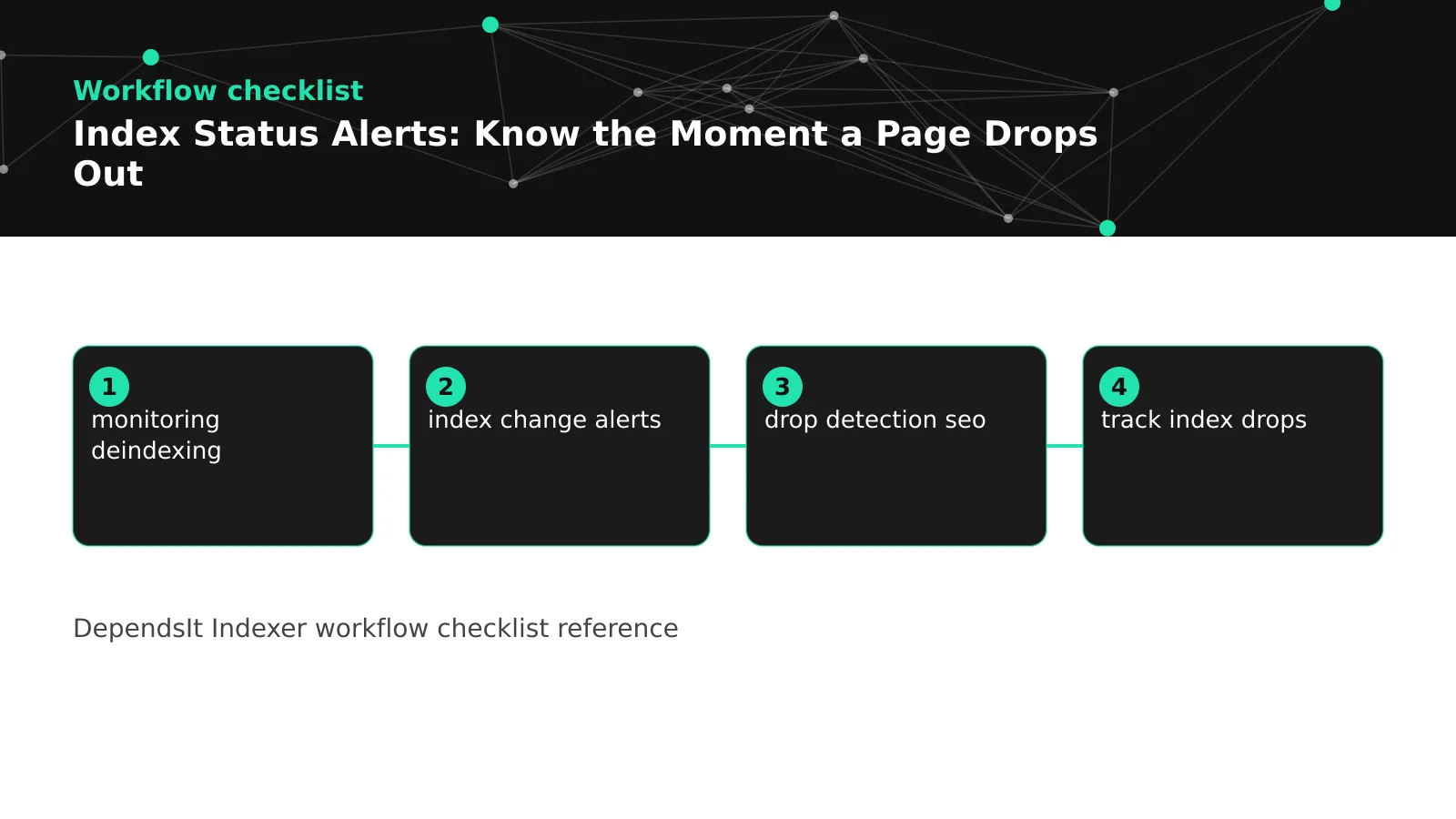
Involve owners in tuning so rules reflect operational reality. Ask digest readers which clusters led to fixes and which felt like noise. Ask Tier 1 owners whether immediate messages arrived with enough evidence to act. Adjust content and timing based on that feedback, not just on state counts. When owners see their feedback shaping the system, they keep tiers accurate and respond faster. That participation loop matters more than any single threshold value, because accurate tiers and quick triage compensate for imperfect rules while the team keeps refining them. Document how to alert when deindexed pages reappear, since recovery wording shapes trust as much as drop wording. A simple drop detection seo checklist plus index change alerts for Tier 1, combined with routine monitoring deindexing reviews for lower tiers, keeps precision high without hiding real losses.
 <!-- IMAGE-PROMPT workflow-02: 1600px max, DependsIt brand, deep charcoal #121212 background with vibrant mint #22E3B0 flow lines, thin node-network line art, Clash Display style headings, General Sans clean labels, subject: alert triage workflow from notification to cause classification to verified recovery, flat vector, accessible, no em dash -->
Connecting alerts to monitoring KPIs and audits
Alerts work best as the fast layer above slower monitoring and reporting rhythms. Daily snapshots and immediate alerts catch drops within days. Weekly digests and indexation rate trends show whether fixes hold and whether new sections are stabilizing. Monthly KPI reports translate those movements into business language with indexation rate, time to index, drop count, recovery time, and exception age by section. Quarterly audits use alert history to find repeating causes and to prioritize template or infrastructure work that prevents whole classes of drops. Each layer uses the same snapshot tables and vocabulary, so numbers reconcile across chat alerts, dashboards, and executive summaries.
Feed alert outcomes into KPI definitions so reports reflect reality. Count a drop when persistence rules open an incident, not on every flicker, and count recovery only after consecutive indexed snapshots. Track mean time to detect from first changed snapshot to alert delivery, and mean time to recover from alert to confirmed recovery. Break these by tier and cause to show where process is strong and where it lags. For example, technical errors may recover in days while thin content takes weeks, and that difference should shape targets and resourcing. Honest definitions prevent gaming where closing an alert after one positive check inflates recovery stats while pages drop again the next week.
Bring alert history to audits as evidence, not anecdotes. An audit that cites 14 duplicate without canonical incidents on one template with dates, snapshots, and fixes will get template work prioritized faster than a general note about duplication. Similarly, a sitemap drift incident with feed dates and recovery snapshots justifies feed ownership and validation checks. Preserve archived history for retired URLs and templates so postmortems can compare current patterns with past ones. The audit then recommends systemic fixes with measured impact, such as canonical cleanup that should lift a section rate by a specific number of points based on prior incident scope.
Keep the loop visible to stakeholders with a simple quarterly summary: alerts fired, real incidents, median detection and recovery time, top causes, systemic fixes shipped, and current exception age by section. Link to dashboard views and to example incident records so claims are verifiable. This summary shows that alerts are not just noise but a control that protects visibility and guides investment. When leadership sees faster recovery and fewer repeats, monitoring keeps its quota, storage, and maintenance time. That support funds the next improvements, from better joins to wider Tier 1 coverage during launches, which further shortens the gap between a page dropping out and the team knowing the moment it happens.
FAQ
Which pages should trigger immediate index drop alerts?
Trigger immediate alerts only for Tier 1 pages where delay costs revenue or blocks launches, such as homepage, core categories, top products, lead forms, and seasonal pushes. Keep Tier 1 small, usually under 100 URLs, so every message feels urgent. Put supporting pages in daily or weekly digests grouped by cause, and track long tail samples through trends rather than per URL alerts. Review tier membership quarterly so immediacy stays meaningful as priorities change.
How do I avoid alert fatigue from temporary recrawl flicker?
Require persistence before opening incidents for lower tiers, such as two consecutive non indexed snapshots for Tier 2 and section thresholds for Tier 3, while keeping Tier 1 immediate. Avoid snapshots during deploys and feed rebuilds, track consecutive state counts, and require two consecutive indexed snapshots to close. Simulate threshold changes against 90 days of history before rolling them out. These steps filter most transient flicker while keeping real drops visible within days.
What should an index drop alert message contain?
Include URL, section, template, tier, owner, prior and current state, first seen date, consecutive count, canonical target, HTTP status, sitemap flag, robots flag, last crawl and bot visit dates, plus links to snapshot history, section dashboard, and triage checklist. Lead with the change and owner, follow with evidence, and end with next steps tailored to the state. Complete alerts let owners start triage without opening other tools.
How quickly should a fixed page return to the index?
Technical fixes such as removing a stray noindex or repairing server errors often recover within days to two weeks once crawlers fetch successfully. Canonical and duplication fixes take longer because signals must be reprocessed across clusters, often two to four weeks. Thin content improvements take longest because reevaluation depends on quality signals beyond crawling. Set recheck dates by cause, require two consecutive indexed snapshots to confirm, and escalate if Tier 1 misses its window.
Can IndexNow alerts replace Google deindex alerts for monitoring deindexing?
No, because Google does not support IndexNow, so IndexNow acceptance cannot confirm Google index status. Use IndexNow responses as delivery signals for participating engines and use Search Console states for Google alerts. A complete setup tracks both sides separately and never treats a successful ping as proof of indexing. This separation keeps alert logic honest across engines. Teams that need drop detection seo evidence should rely on Search Console states rather than ping responses, then use index change alerts to track index drops that persist across snapshots.
How often should alert rules and tiers be reviewed?
Review precision and tier membership monthly with a light check, and run a deeper quarterly review of thresholds, ownership, channels, and suppression records. Simulate proposed changes against recent history, record decisions with reasons, and expire temporary suppressions. Regular review keeps precision high, coverage complete, and channels trusted as the site and team evolve.
Sources
- IndexNow protocol documentation
- Google Search Console index coverage help
- https://www.indexnow.org/documentation
- https://support.google.com/webmasters/answer/7440203